Braindock · a Claude-powered second brain

Stop collecting notes.
Start using a brain.

A pre-built second brain that runs on Claude and Obsidian. The folder system, the prompts, and the daily rhythm, done for you. Open it, run the first-hour setup, and it works. No terminal, no code, no blank page.

Not ready to buy? Read the free guide and PDF, no signup →

80 worked notes 9 areas Instant download Plain files you own
The real vault in Obsidian graph view: every note a dot, every link a line.

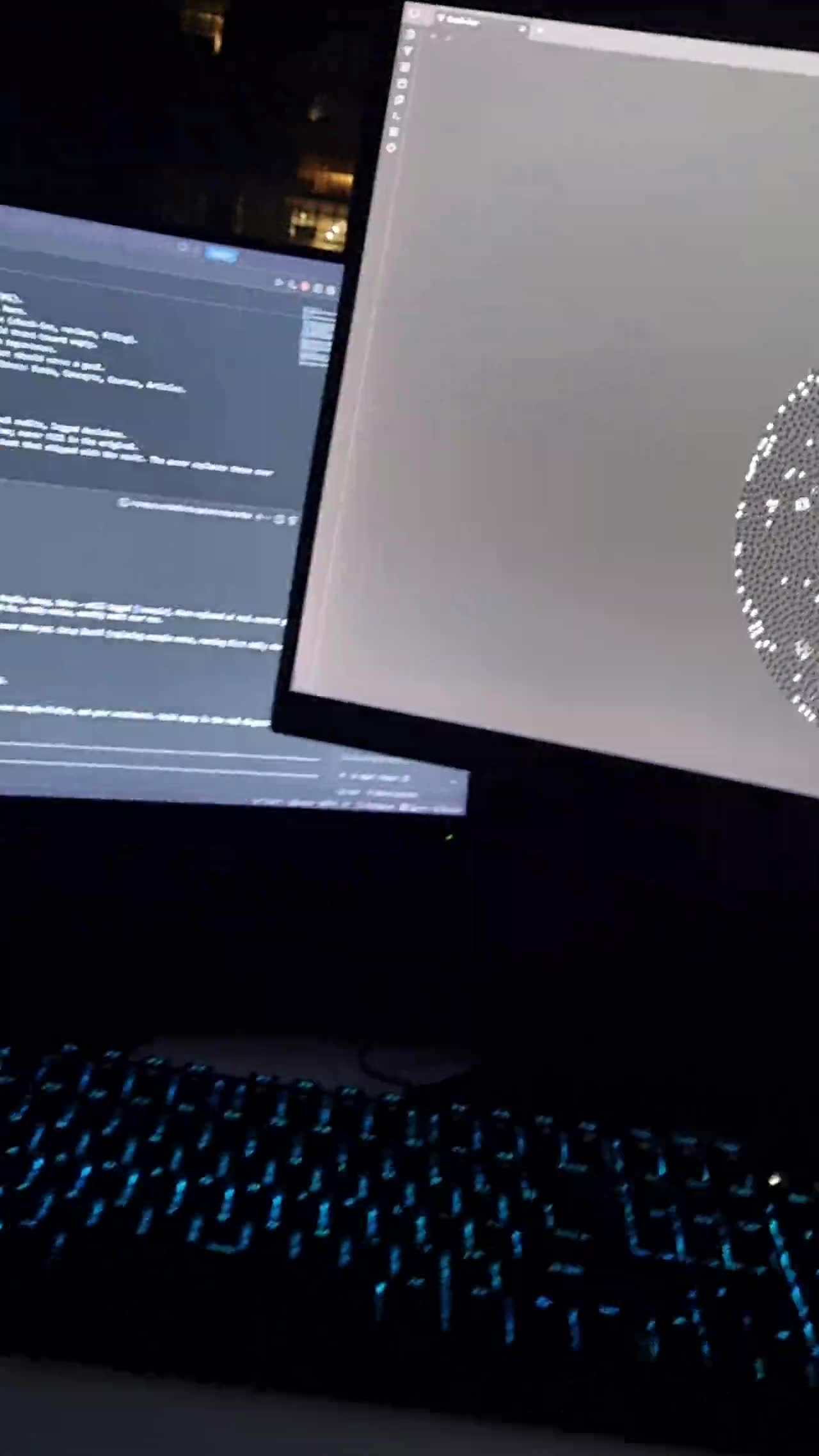
My own brain, running, on my own desk. The kit is this same system handed to you already built, so your first hour is spent using it instead of deciding where things go.

The uncomfortable truth

You do not have a note-taking problem.
You have a note-using problem.

You have saved hundreds of ideas, articles, and plans across notes apps, screenshots, and bookmarks. How many did you look at again? The problem was never capturing. It is that nothing connected your notes back to your actual goals, so the pile grew and the using never started. A second brain fixes that, but only if the structure and the habit come built in. That is the part every blank template leaves out, and the exact part this kit is.

The system

Five moves,
all pre-wired.

01

Capture

Anything worth keeping goes into one inbox as a one-line note. Five seconds, zero sorting.

02

File

One paste-ready prompt and Claude tells you where everything belongs: goals, projects, learning, health, ideas, people, money.

03

Connect

Every note links to the notes it touches. Your graph becomes a map of your thinking that compounds instead of piling up.

04

Check in

A 2-minute daily prompt that asks what you did, what today's 1 to 3 are, and calls you out when you dodge. This is the habit that keeps the brain alive.

05

Review

Weekly reviews and monthly goal audits, each one a single prompt. Dead goals get killed, drifting projects get caught, your time stops leaking.

★

Ask your notes

The payoff: ask Claude what you think about anything, answered from your own notes with citations. Your thinking, given back when you need it.

The payoff

It answers from your notes,
not the internet.

The method is easy to nod along to and hard to picture, so here are questions actually asked of this vault, and the shape of what comes back. Nothing dramatic. That is the point.

Does this new project serve a goal I have actually written down?
Braindock · from your own goals notes

It quotes the goals you wrote when you were thinking clearly, weeks before you got excited about the new thing. Most of the time the answer is no. That answer costs ten seconds and saves a week.

I have an interview tomorrow. What can I honestly claim?
Braindock · from your project notes

It reads the projects you actually built, with dates, and drafts answers grounded in them. It will not let you claim something that is not written down anywhere, which is the whole value.

What patterns do you see across my last two weeks of check-ins?
Braindock · from your daily reviews

It reads the daily files and tells you what you keep saying you will do and keep not doing. Be ready for this one to be right about something you were avoiding.

What is inside

Not a folder template.
A finished system.

Everything below is in the zip the second you pay. Counted, not estimated.

80worked example notes
so nothing is a blank page
9separated life areas
inbox to reviews
13note templates
one per note type
8paste-ready prompts
across 9 playbook chapters
01

The vault, pre-built

Nine separated areas: inbox, goals, projects, learning, health, ideas, people, money, reviews. Eighty worked example notes show you what a living system looks like rather than an empty shell, and a template for every note type means you never face a blank page.

02

The Playbook

Nine chapters, eight prompts, every one paste-ready: the first-hour setup interview, the 2-minute daily check-in, inbox filing, ask-your-notes, the weekly review, the monthly goal audit, and the "grill me" accountability prompt that finds the gap between what you say and what you do.

03

The AI router file

A CLAUDE.md instruction file at the vault root that teaches any AI assistant how your brain is organised: the filing rules, the linking rules, the folder map. Paste it into Claude, or let Claude Code read it automatically. This is the piece that makes the whole vault feel understood.

04

Eight hub pages

One map-of-content page per area, pre-linked, so every part of the vault has a front door instead of a folder you have to remember to open.

05

Plain-English everything

The START HERE note assumes you have never done any of this. Four steps, under an hour, no terminal anywhere. If you can copy and paste, you can run the entire system.

the brain kit · graph view, day one
The vault opened in Obsidian graph view on day one, every note connected.

The actual vault you download, opened in Obsidian. Every dot is a note and every line is a link between two of them. Nobody draws this by hand: it is what an interlinked vault across nine separated areas looks like once it is connected, and it is the shape you replace with your own life.

Is it for you

Honestly, not everyone.

Get it if

  • You already use, or want to use, Claude
  • You are done abandoning productivity systems
  • You want the setup handled so your energy goes on using it
  • You like that it is plain files you own forever, no lock-in

Skip it if

  • You will not use Claude, because the system genuinely runs on it
  • You enjoy building systems from scratch
  • You expect an app that does everything automatically

Being straight with you before you pay: this system runs on Claude, which is about 20 dollars a month on the plan that makes it shine, and the free tier works to start. That cost is yours and ongoing. The kit itself is one-time. And because it is all plain markdown files and folders, it is not locked to any app: if you ever leave Claude or Obsidian, your brain leaves with you.

From purchase to working brain

Running in an hour.

01

Buy and download

Instant zip, about 60 KB of plain files you own.

02

Open in Obsidian

Free app, two clicks, opens dark and pre-styled.

03

Run the first hour

The setup interview turns the example brain into YOUR brain.

04

Check in tomorrow

Two minutes with the daily prompt. That is the whole habit.

The price

Two ways in.

Both are one-time. Neither is a subscription. Start small if you want to; the full kit is the same system with more of it built for you.

Starter Brain
$9.95$3.69 USD

Three folders instead of nine. The same system, just less of it built for you.


One time · instant download
  • The three-folder starter vault: Inbox, Projects, Notes
  • Starter Prompts, ready to paste into Claude
  • Two templates: daily check-in and project
  • Obsidian pre-styled, graph view already set up
  • Plain-English START HERE, no terminal
  • A note on exactly when three folders stops being enough
Start here →
The Brain Kit
$37$19.95 USD
Launch price until 10 October 2026, then $37
One time · all future updates included
  • The full pre-built vault, 80 worked example notes across 9 areas
  • 13 templates, pre-linked and ready to duplicate
  • The Playbook: 9 chapters, 8 paste-ready prompts
  • The CLAUDE.md AI router file
  • 8 pre-linked hub pages, one per area
  • Plain-English START HERE setup, no terminal
  • Design walkthrough and colour schemes + skins
  • Video walkthroughs, free, as they are made
Get the kit →

Secure checkout via Stripe · card or Apple Pay · instant download
Charged in USD. Your bank may convert at its own rate.

Questions, answered honestly

Before you pay.

What exactly do I get when I pay?

A zip file, instantly. Inside is the complete vault: the nine-area folder system, 80 worked example notes, 13 templates, The Playbook prompt system, the CLAUDE.md router file, and the START HERE guide. It is plain markdown files. You own them forever, on your machine.

Do I need to pay for anything else?

Yes, and you should know this before buying: the system runs on Claude. There is a free tier that works to start, and the plan most people end up on is about 20 dollars a month. Obsidian, the app the vault lives in, is free. The kit itself is one-time with no subscription.

Do I need to know how to code or use a terminal?

No. Nothing in the kit touches a terminal. If you can copy and paste, you can run every part of it. There is one optional power-up chapter for Claude Code, a more advanced tool, but the entire system works without it, forever.

How is this different from free templates and YouTube guides?

The idea is genuinely free and we say so on this page. What free versions hand you is a philosophy and an empty folder. The kit is the finished implementation: structure, prompts, an example brain to copy patterns from, the AI router file, and a daily habit loop, all pre-wired. You are paying to skip the weekends of assembly and the week-two abandonment.

What if Claude changes, or I want to leave it?

The vault is plain markdown files and folders. Nothing is locked to Claude or Obsidian. If the tools change, your brain moves with you, and the prompts adapt to any capable AI assistant.

Will this work on my phone?

Yes. Obsidian has free mobile apps and the vault syncs however you like: iCloud, Google Drive, or Obsidian Sync. Capture on your phone, review anywhere.

What does "all future updates" mean?

When the kit improves, with new prompts, better templates or new areas, you get the new version at no charge from your original download link. That includes the video walkthroughs being made now: screen recordings of the setup done end to end, plus real use cases showing how the vault gets asked things day to day. They are not finished yet, so buy for what is on this page today and treat the videos as what lands next. I am not putting a date on it and I am not charging for it separately. Everyone who has already bought gets them at no extra cost.

What is the refund policy?

This is a digital download and you get the whole thing the second you pay, so there are no change-of-mind refunds. That is why this page tells you exactly what is inside, what it costs to run, and who should skip it, before you buy rather than after. If something is genuinely broken, missing, or not what this page described, reply to your receipt email and I will fix it or refund you. A real human reads those.

Is this affiliated with Anthropic or Obsidian?

No. Braindock is an independent product. Claude is made by Anthropic, Obsidian by Obsidian.md. The kit is a system built on top of both.

Who made this

One person,
using it daily.

I am the maker behind Braindock, an independent developer who runs my entire life inside this exact system: my goals, my projects, my work, my daily accountability. I built the kit because the second brain idea is everywhere right now, but every version of it hands you a philosophy and a blank folder, and blank folders are where good intentions go to die. This is the version I wish someone had handed me: structure plus prompts plus habit, working in the first hour. I build in public, so you can watch me use the thing I sold you.

Your next note deserves
a brain that uses it.

One hour from now this can be running with your goals in it.

One-time · no subscription · plain files you own